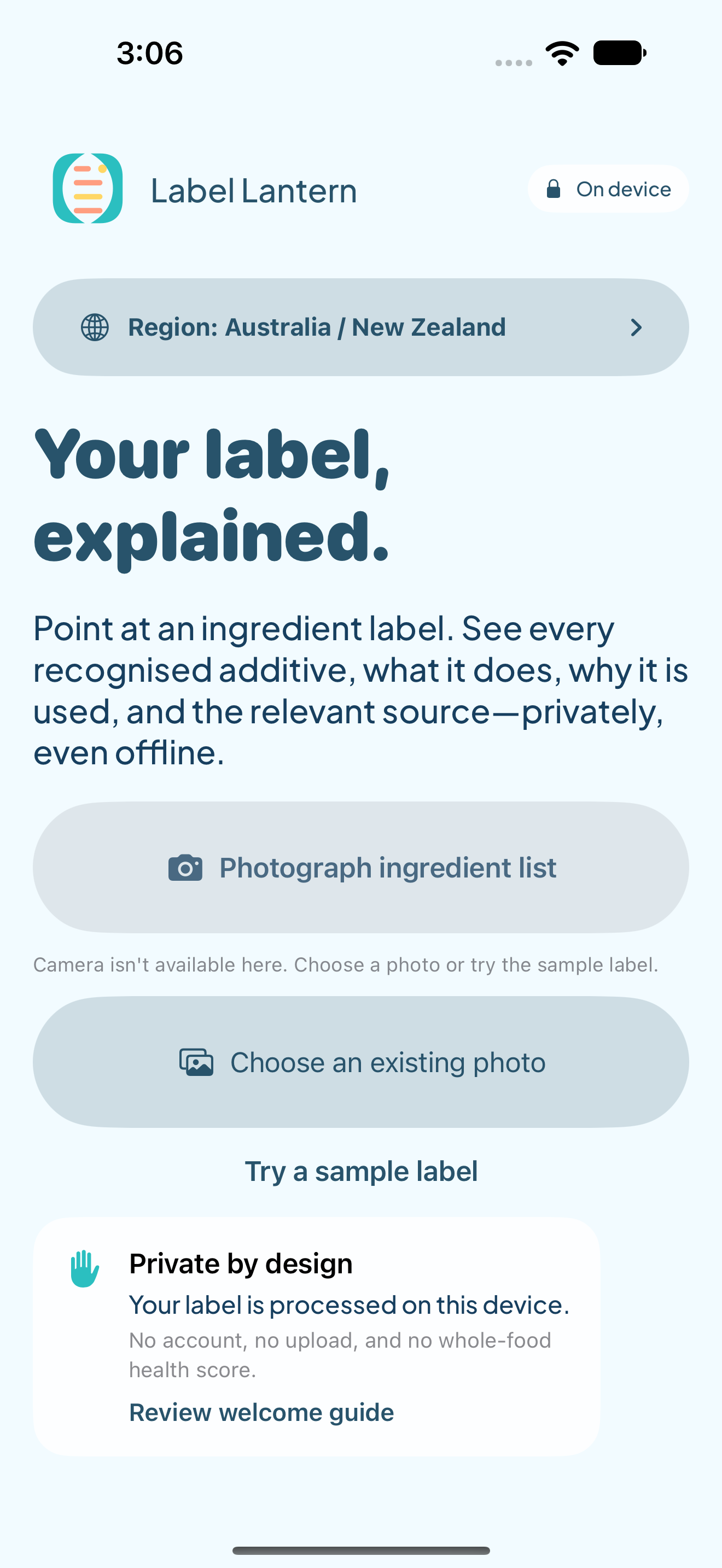
Capture the ingredient list.
Photograph a still image or choose one from your library. Apple Vision recognises the ingredient text on your device.
 Coming soon for iPhone
How it works
Label Lantern keeps recognition, matching and explanation close to the label in front of you—without sending the image away for analysis.

Photograph a still image or choose one from your library. Apple Vision recognises the ingredient text on your device.
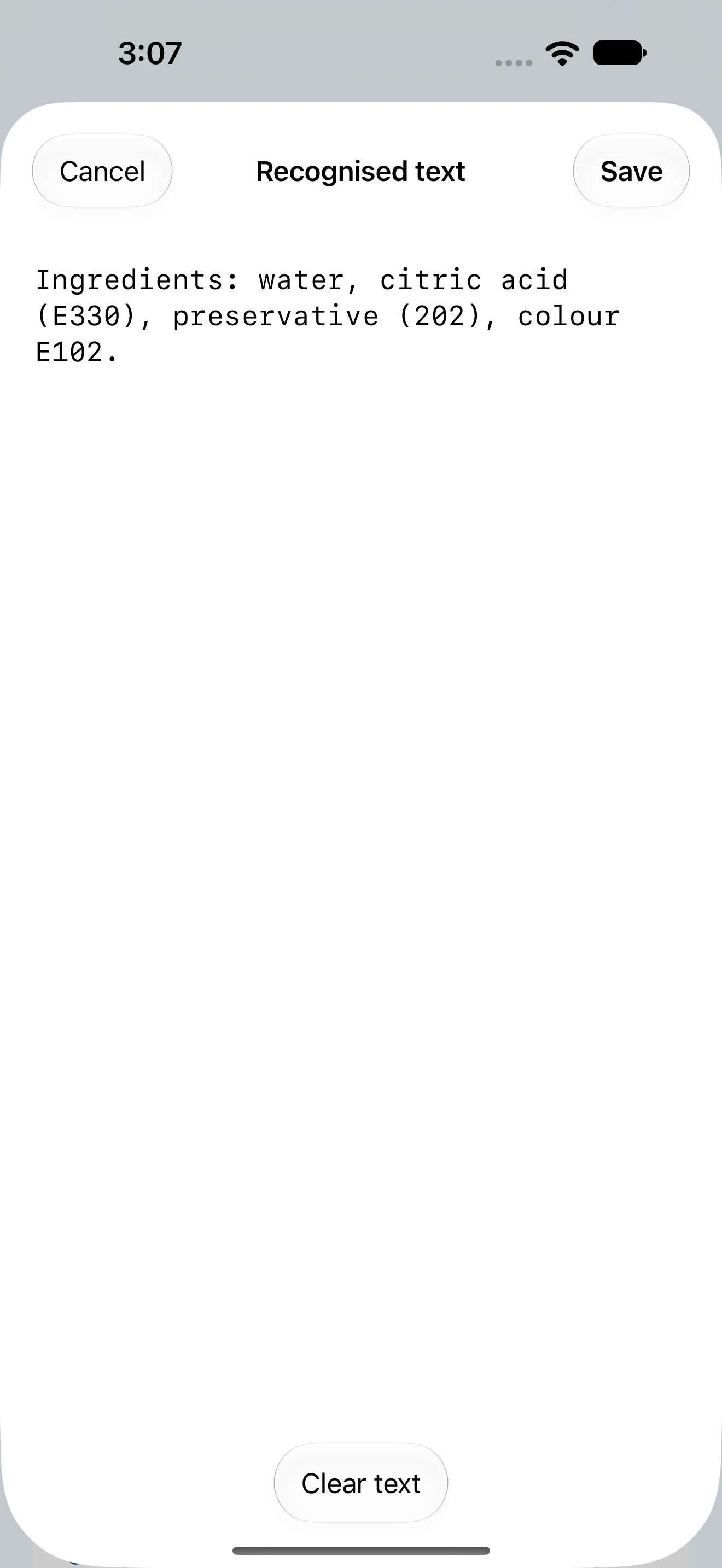
You can correct the recognised text before the app matches anything. That correction step matters: glare, folds, unusual type and a crowded label can affect recognition.
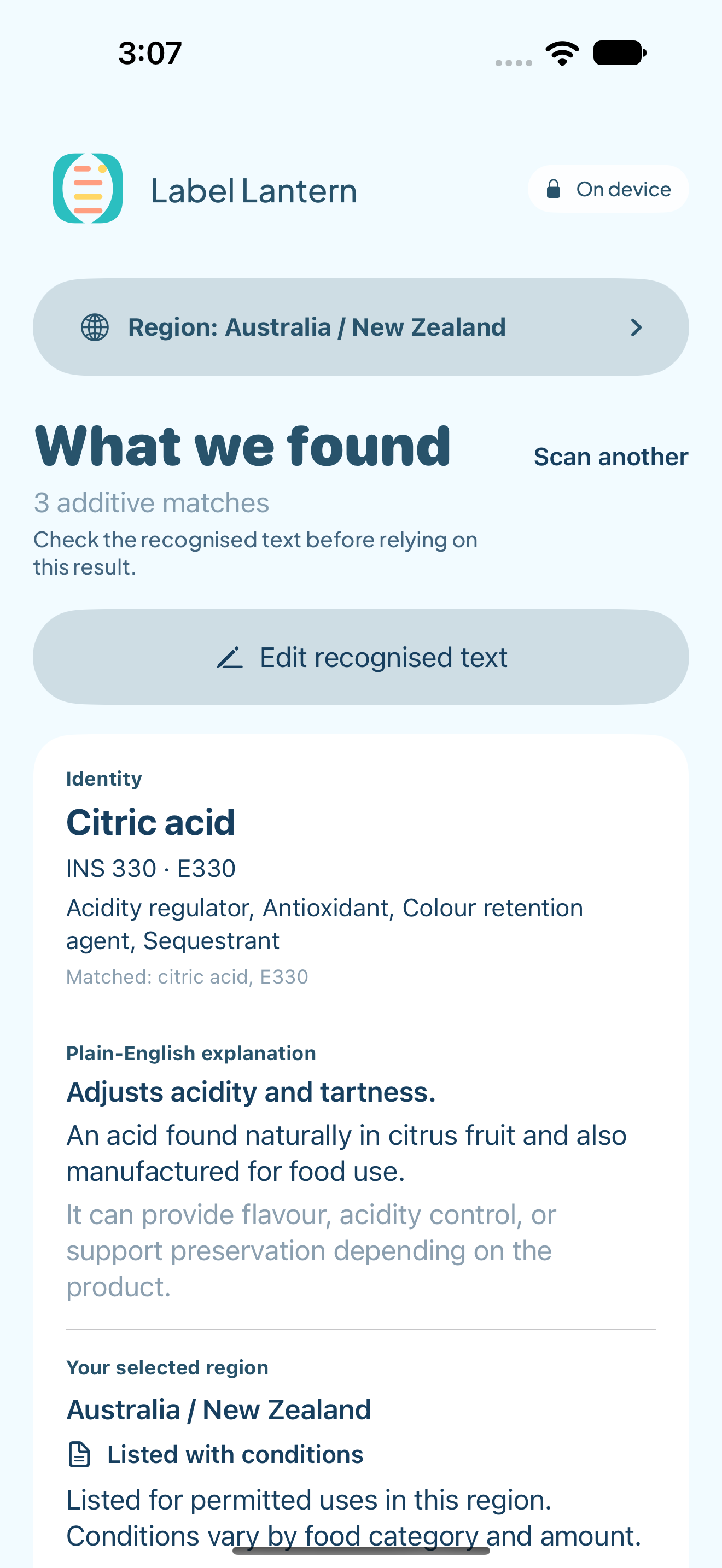
A deterministic matcher looks for supported additive numbers, E-numbers, INS references and unambiguous names in the bundled catalogue. The core match does not depend on a network lookup.
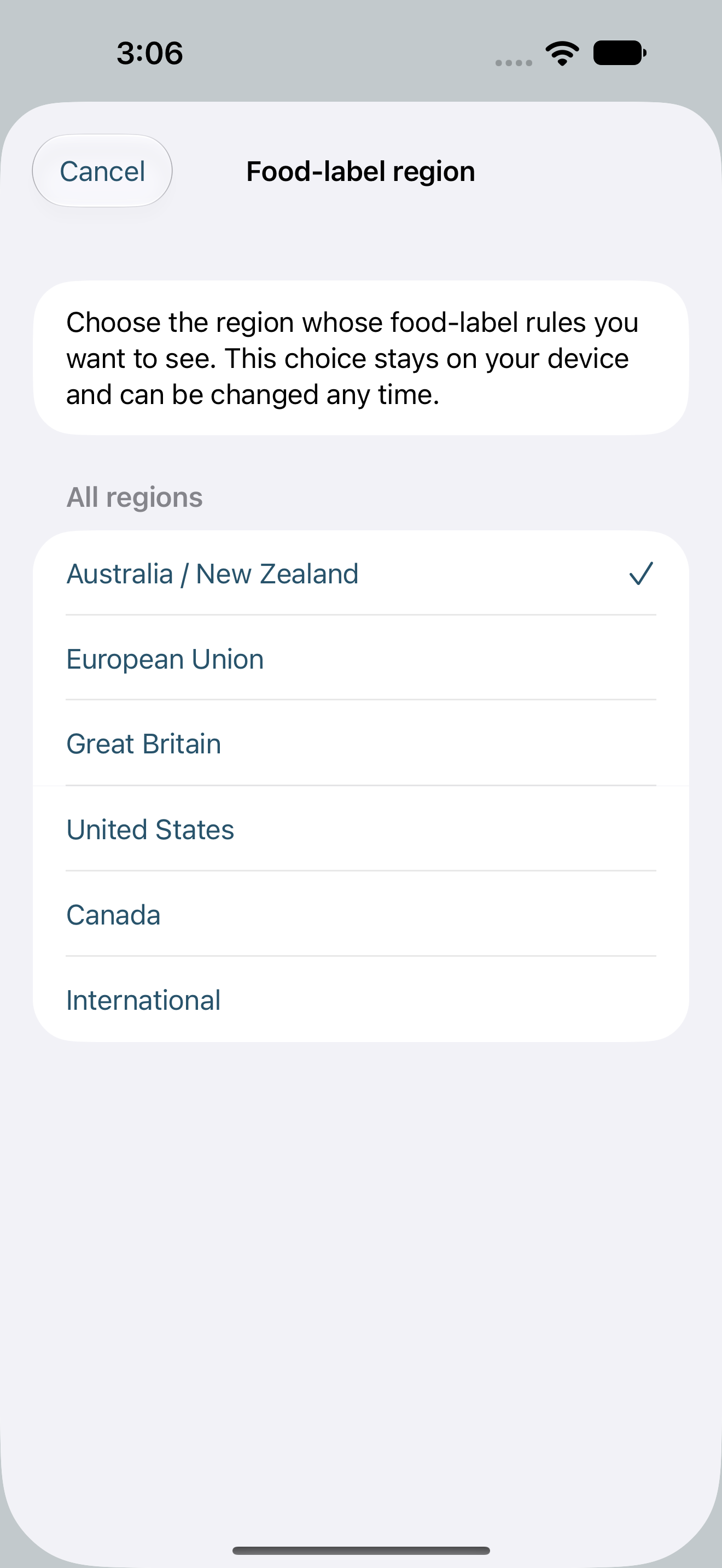
Choose the food-label region explicitly. Changing the food-label region reinterprets existing matches locally, without another scan. The app separates the additive identity from the relevant regional reference.
Evidence in reach
Explanations and reviewed regional context are bundled for offline use. Opening an official external source requires an internet connection and takes you outside the offline flow.
A source date is a review snapshot, not a promise that rules can never change.
What a scan can—and cannot—say
The first catalogue is a reviewed seed, not a complete additive dictionary. An unmatched ingredient is not proof that a product is additive-free.
Real labels differ. Check and correct the recognised text before relying on a result.
An ingredient match does not establish whether the whole product is safe, unsafe, healthy, unhealthy, legal, illegal or suitable for an individual.
Label Lantern provides educational information. It does not diagnose, treat, or certify allergy suitability.
Coming soon
Label Lantern is in development for iPhone.